This post contains affiliate links. If you buy through them, we may earn a small commission at no extra cost to you. Learn more.
Smart home ideas for renters should be simple, safe and easy to take with you. You don't need to change the wiring or the walls to enjoy lights that turn on by themselves or a voice assistant that answers questions. The best renter-friendly devices plug into an outlet, screw into a lamp or sit on a shelf.
This guide covers 13 ideas, a short setup plan and some basic privacy tips. It also covers what to avoid in a rental, such as devices that need wiring or permanent mounting.
Before you start
- Check your lease for rules about changes, cameras and shared areas.
- Make sure your Wi-Fi is reliable and know your network name and password.
- Start small, with one or two devices you will use every day.
- Keep the boxes and instructions so you can reset and pack devices when you move.
1. Start with smart plugs
A smart plug fits into a regular outlet and turns whatever is plugged in on or off from an app or your voice. It is the simplest, cheapest way to make a lamp, a fan or a coffee maker smart. Check the plug's power rating and don't use it with devices that exceed it, and avoid plugging in heaters unless the plug is rated for them.
2. Use smart bulbs in the lamps you already own
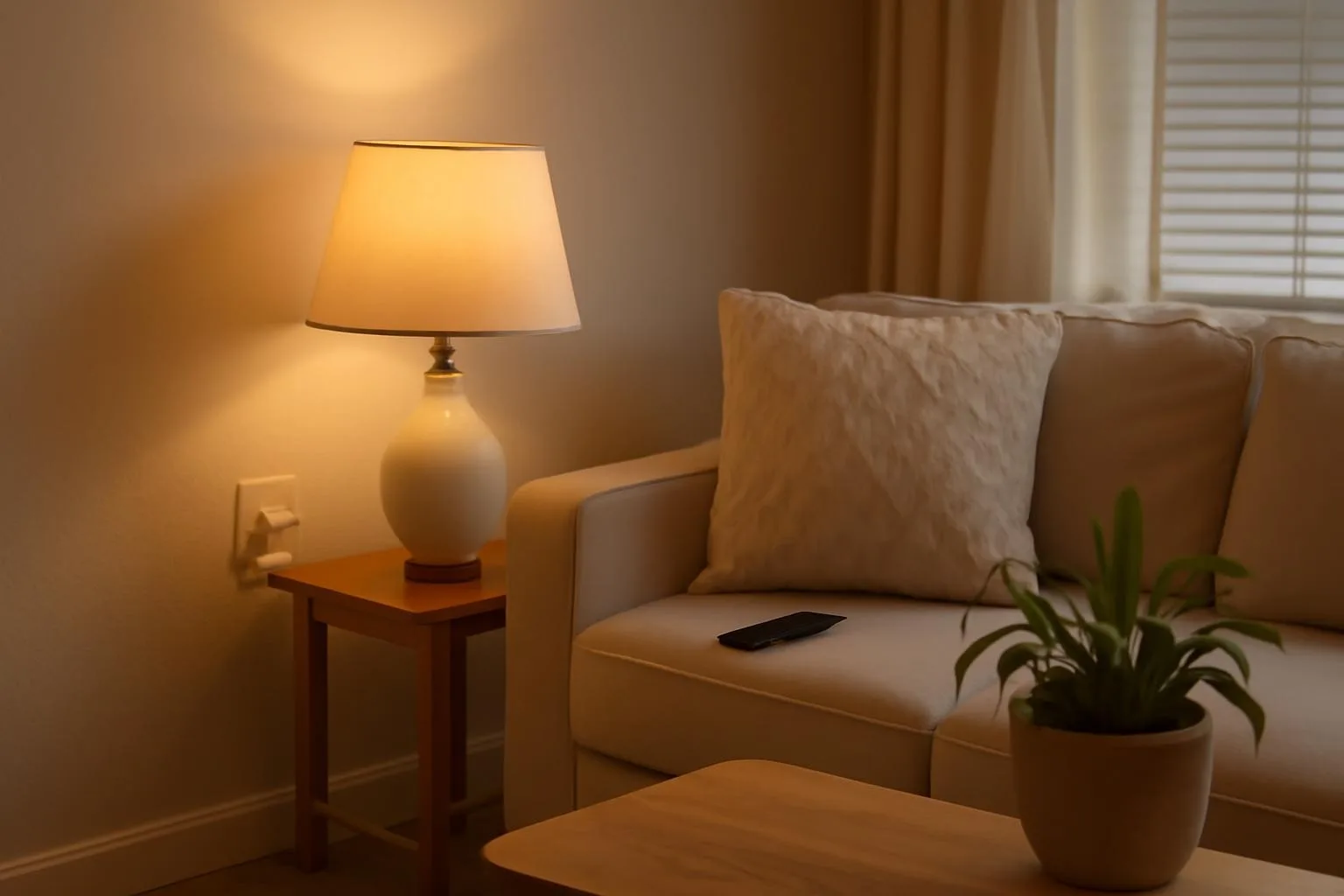
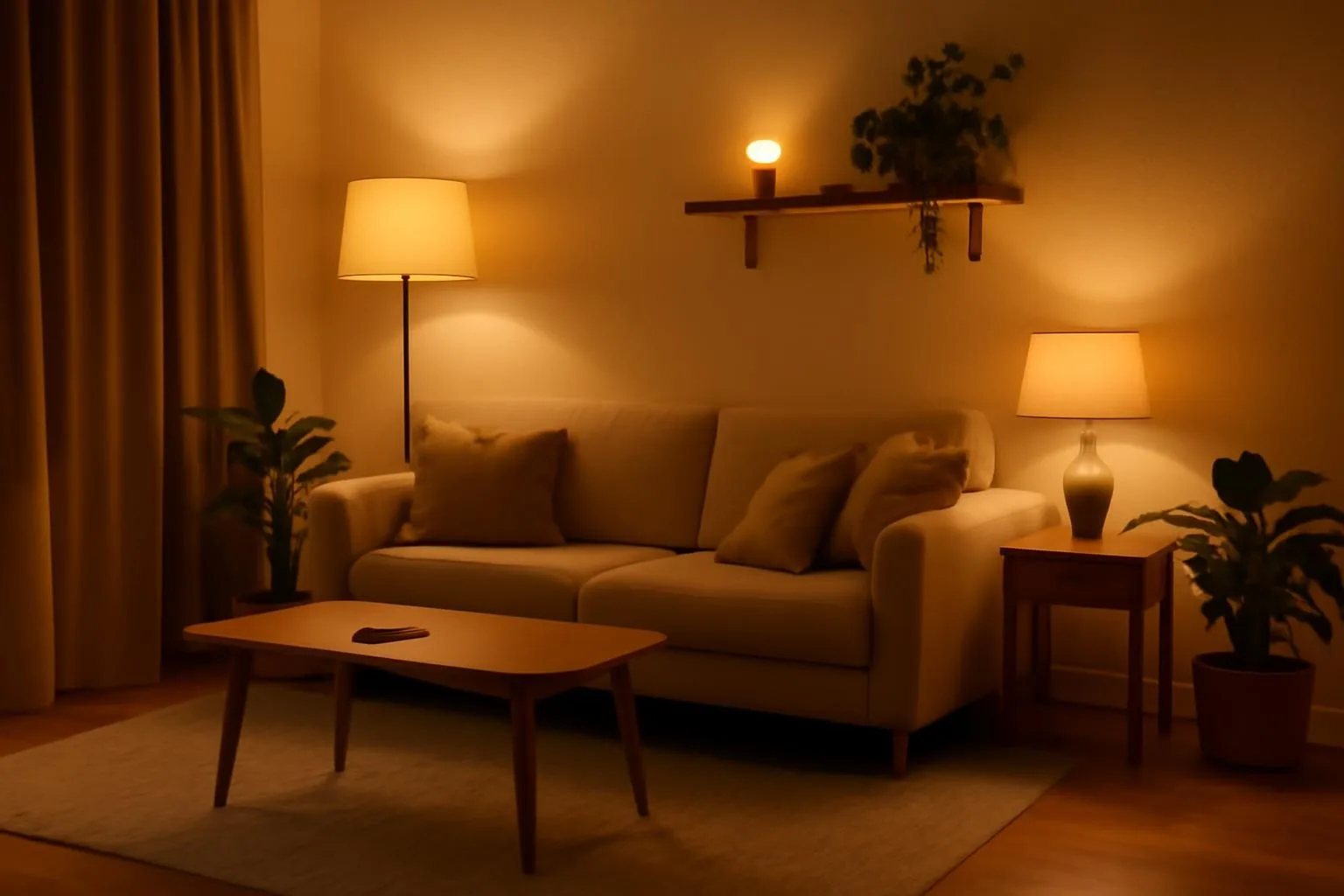
Smart bulbs screw into a normal socket and let you dim the light, change the color temperature and set schedules. Choose warm-white for the evening. Many types connect over Wi-Fi, so check that they work with your router.
3. Add a smart speaker
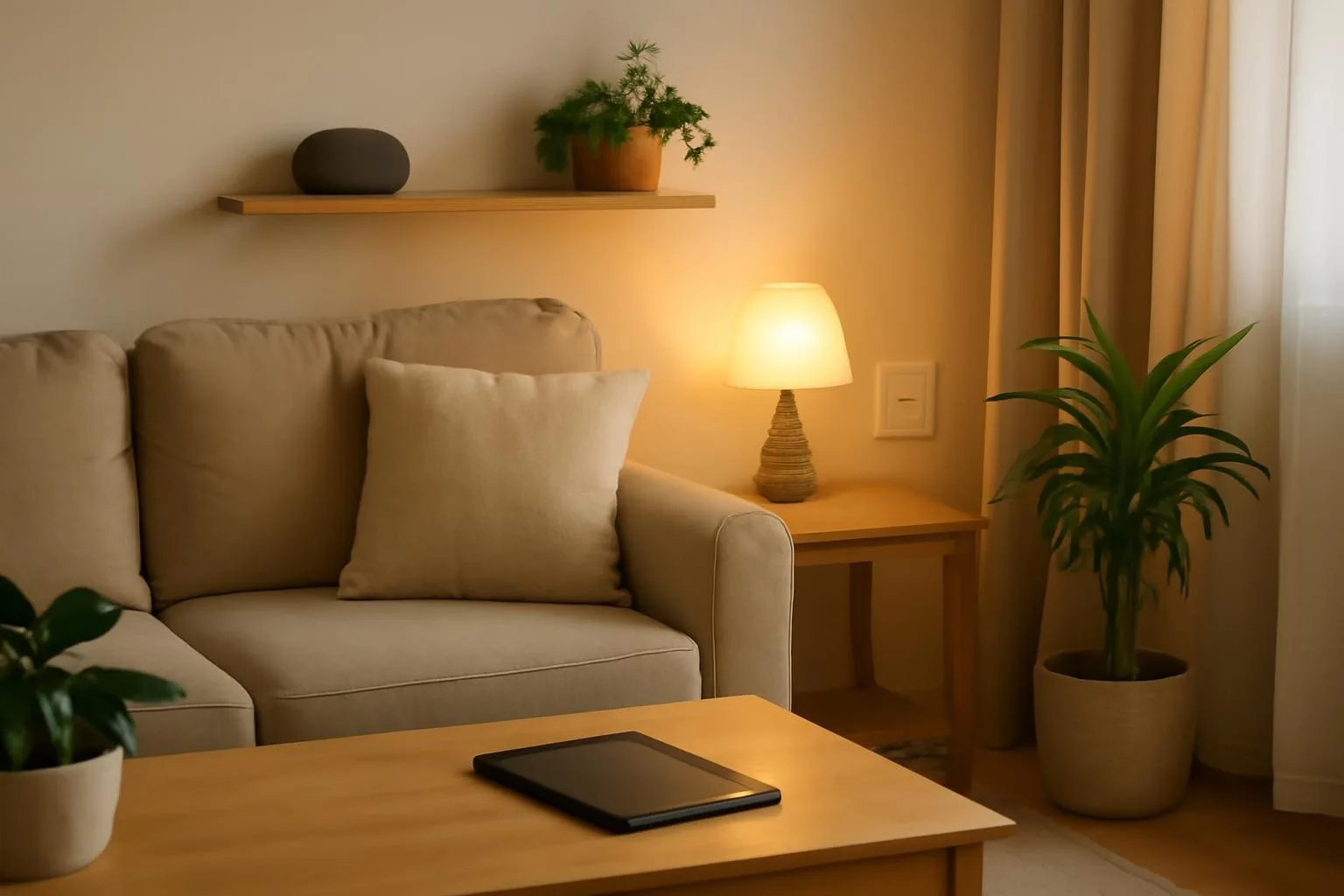
A speaker lets you play music, set timers and control other devices by voice. Put it on a shelf in a central room. Review the privacy settings and mute the microphone when you want to.
4. Use a plug-in motion sensor light
A battery or plug-in light with a motion sensor works well in a hallway, closet or bathroom at night. No wiring is needed, and you can take it with you.
5. Try a smart power strip
A smart power strip controls several outlets and can switch off devices that use standby power, such as a TV and game console. Choose one with surge protection.
6. Use a portable video doorbell or peephole camera
Some models mount with a bracket that clips over the door, instead of drilling. Check your lease and building rules first, and consider your neighbors' privacy.
7. Add door and window sensors
Small stick-on sensors tell you when a door or window opens. They use adhesive, so test the surface, and remove them carefully when you move.
8. Use a smart lock only if your landlord allows it
Some smart locks replace only the inside part of the lock and leave the outside the same, but you must get permission first. Keep the original parts so you can put them back.
9. Use a smart thermostat only with permission
Thermostats are wired into the heating system, so don't change them without the landlord's approval. If you can't, use a smart plug with a portable fan or a space heater rated for it, following the manufacturer's safety advice.
10. Add a plug-in air quality or temperature monitor
A small monitor on a shelf tracks temperature and humidity. It can help you see when the room is too dry or damp, and it needs nothing installed.
11. Set up simple routines
Routines turn several actions into one. For example, "good night" can turn off the lights and lamp, and "morning" can turn on a lamp. Start with one routine, and keep the names simple.
12. Use a robot vacuum on a schedule
A robot vacuum doesn't need installation and can run while you are out. Clear cables and small items off the floor first, and empty the bin regularly.
13. Add a smart display for the kitchen
A small display can show recipes, timers and the calendar. Put it on the counter where it won't get splashed.
A simple setup plan
- Evening 1: Choose a hub or app, connect to Wi-Fi and add a smart plug or two.
- Evening 2: Add smart bulbs to the lamps you use most and set a warm evening scene.
- Evening 3: Add a speaker, one routine and any sensors.
Budget tips
Start with one smart plug and one bulb to see if you like the setup. Buy devices that work with the same app or voice assistant, so you don't need several apps. Wait for the pieces you need rather than buying a whole kit.
Privacy and security basics
Change default passwords, use a strong Wi-Fi password and turn on two-step verification in apps where it is offered. Keep device software updated, and think about where you put cameras and microphones. Reset each device before you give it away or move.
Smart home ideas for each room
- Living room: smart bulbs in lamps, a smart plug for a fan or lamp and a smart speaker on a shelf.
- Bedroom: a smart bulb in the bedside lamp with a gentle morning brightening, and a plug-in motion light for night.
- Kitchen: a smart plug for a slow cooker or coffee maker if its instructions allow it, and a display for timers and recipes.
- Entry: a plug-in motion light, a door sensor and a hook for the keys.
- Bathroom: a plug-in motion night light, kept away from water.
Start with one room, use it for a week and then add the next. That way you learn what you really use.
What to leave for the landlord
Some changes are not for tenants. Don't replace light switches, change wiring, swap the thermostat, install a hardwired doorbell or mount devices with screws unless your landlord agrees in writing. If a device needs a change like that, look for a plug-in or battery version first. If it still needs permission, ask, and keep all the original parts so you can restore them before you move out.
Quick smart home checklist
- Wi-Fi is stable and the router is in a central spot.
- You know which app or voice assistant your devices will use.
- Every device is plug-in, battery-powered or stick-on.
- Cameras and microphones sit where they respect privacy, yours and your neighbors'.
- Boxes and instructions are saved for when you move.
If you can tick all of these, your setup is ready for daily use and easy to pack.
Common mistakes to avoid
- Buying devices that don't work together. Check compatibility first.
- Changing wiring or fixtures. Leave those to the landlord.
- Ignoring privacy. Review settings and positions.
- Starting with too much. Begin with two or three devices.
- Forgetting to reset. Do it before you move out or sell.
Final thoughts
A smart home in a rental should be easy to set up and easy to pack. Start with a plug and a bulb, add a speaker and one routine, and grow only when you find a need. If a device needs a hole in the wall or a change to the wiring, ask first, or leave it out.
Smart home for renters FAQ
Smart plugs, smart bulbs, speakers, plug-in sensors and robot vacuums need no wiring and move with you.
Only with the landlord's permission, and preferably models that fit over the existing lock without permanent changes.
Some do and some connect over Wi-Fi. Check the packaging, and choose the one that fits your router and your app.
They are generally safe when used within the rated power limit and with suitable devices. Read the instructions and avoid overloading.
Reset each device, keep the boxes and instructions and set them up again in your new place.
Yes. Most smart devices rely on a steady connection, so check coverage in the rooms where you plan to use them.
Shop the look
Kasa Smart Light Bulbs (Dimmable, Color)
Dimmable Wi-Fi bulbs for lamps
Check price on AmazonMAZ-TEK Plug-In Motion Night Light
Soft warm light with motion sensor
Check price on Amazon