This post contains affiliate links. If you buy through them, we may earn a small commission at no extra cost to you. Learn more.
Smart plug ideas for renters are some of the simplest ways to start a smart home. A smart plug goes into a normal outlet, and you plug an everyday item into it. Then you can switch that item on or off from an app, set a schedule or use your voice. There is nothing to install in the wall, so you can take it with you when you move.
This guide covers 13 ideas, a short setup plan and some safety tips. Smart plugs work best with simple devices such as lamps, fans and chargers, so we will also look at what not to plug in.
Before you start
- Check the power rating on the smart plug and on the device you want to use with it.
- Make sure your Wi-Fi reaches the outlet, because most smart plugs connect over Wi-Fi.
- Choose an app or voice assistant you already use, so you don't need several.
- Keep the box and instructions, so you can reset the plug when you move.
1. Schedule a lamp to turn on at dusk
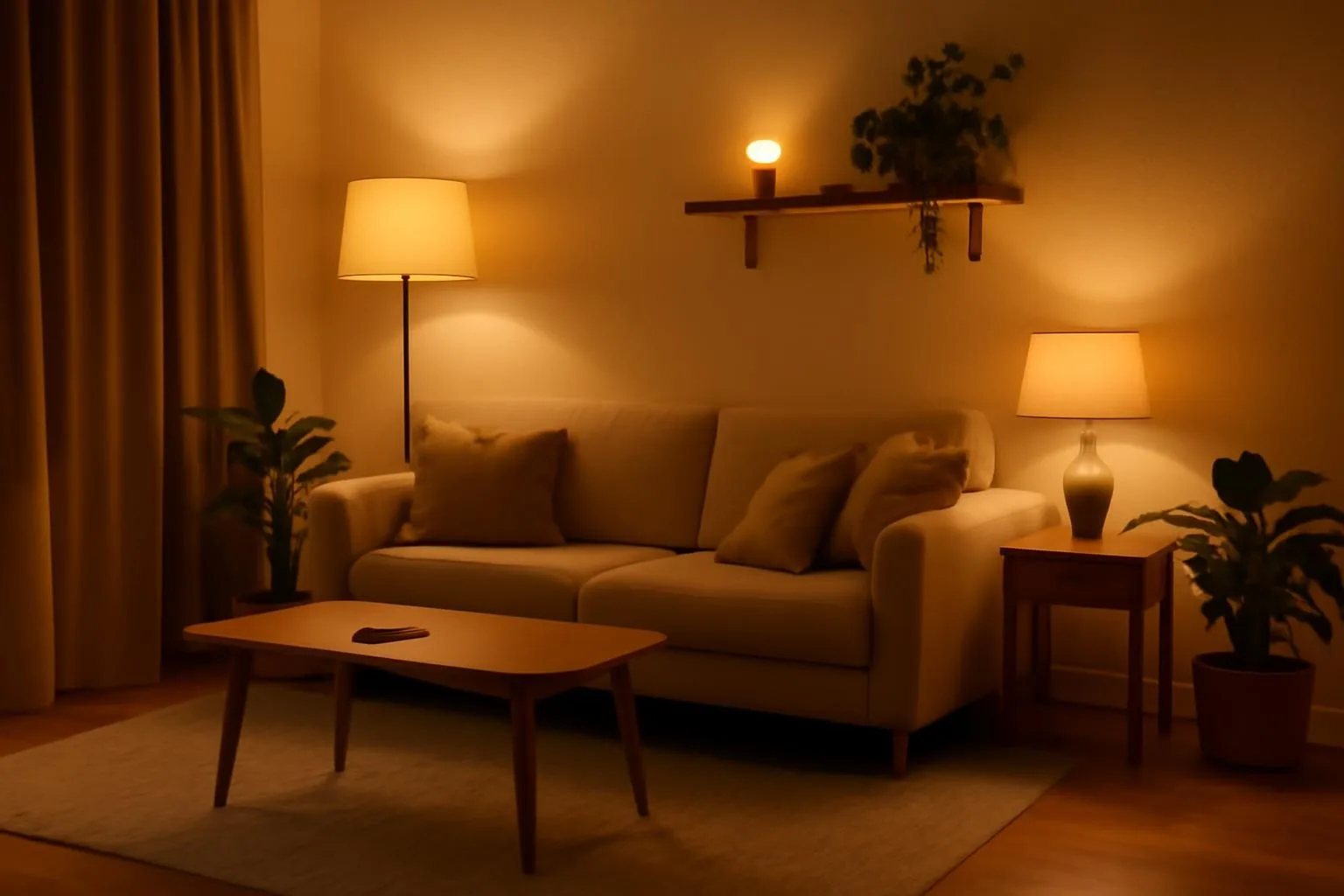
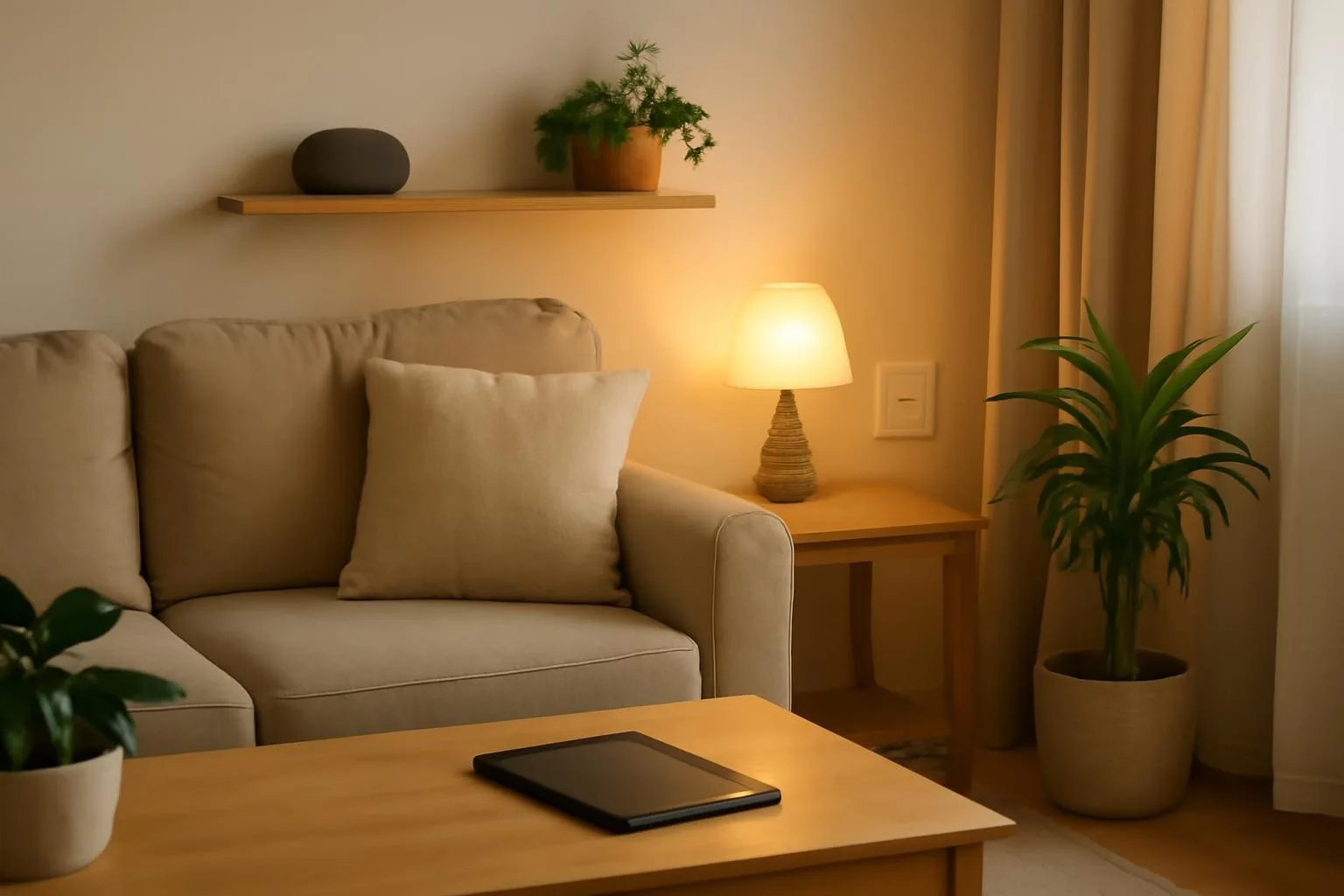
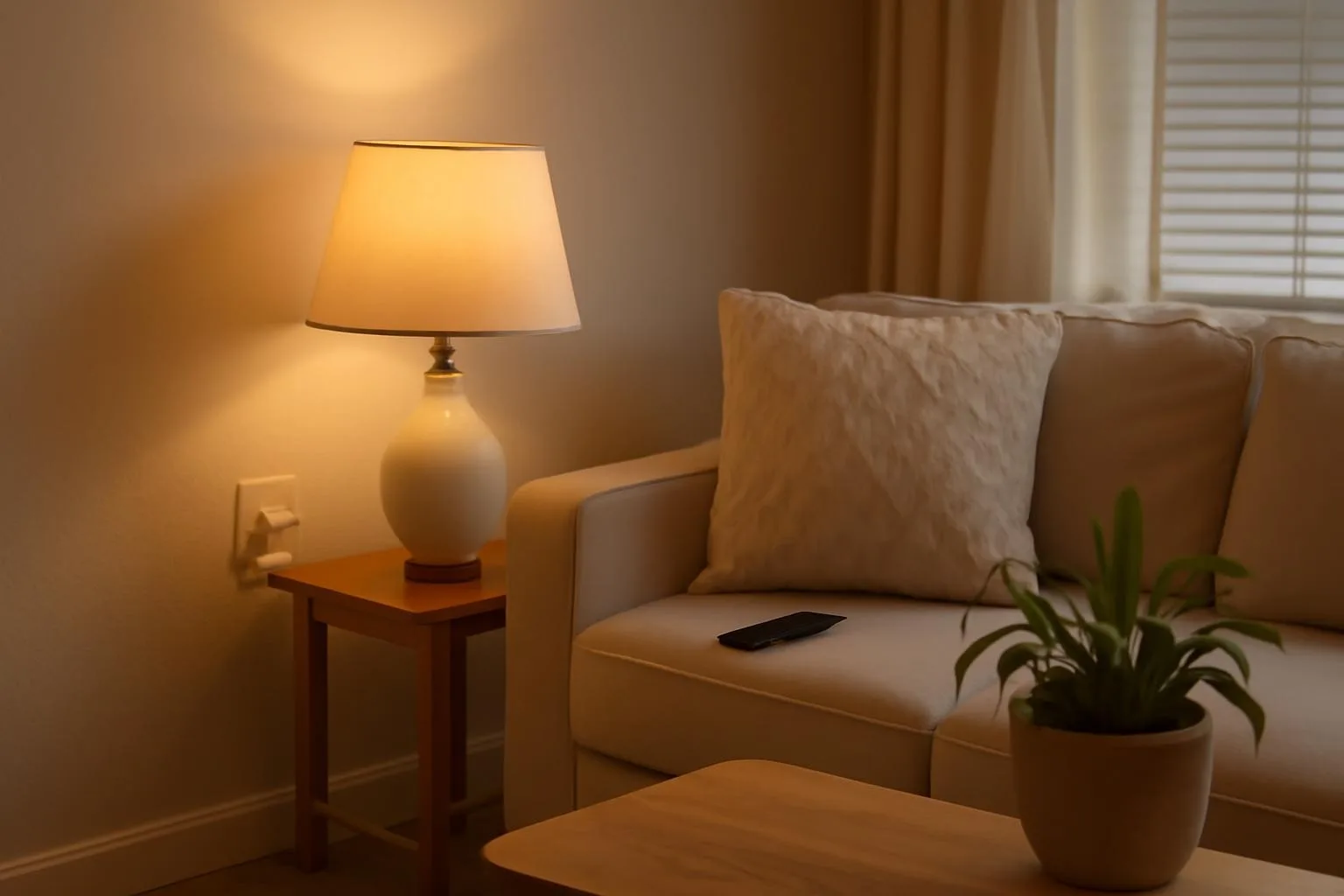
Plug a lamp into a smart plug and set it to switch on in the evening. The room feels warm and welcoming when you come home, and it can also look lived in while you are out. Use a warm-white bulb for a cozy look.
2. Turn the lights on with your voice
Connect the plug to a voice assistant and say "lights on" when your hands are full. It is useful in a hallway, a bedroom or a reading corner. Name each plug clearly, such as "bedside lamp".
3. Switch off a fan automatically
Plug in a fan and set a timer so it turns off after you fall asleep. This avoids leaving it on all night. Check that the fan's power rating fits the plug, and use a fan with a simple on/off switch.
4. Start a coffee maker on a schedule
If your coffee maker has a switch that stays on, a smart plug can power it at a set time. Prepare it the night before and check that the machine is safe to leave ready. Read the manufacturer's instructions first.
5. Control holiday lights
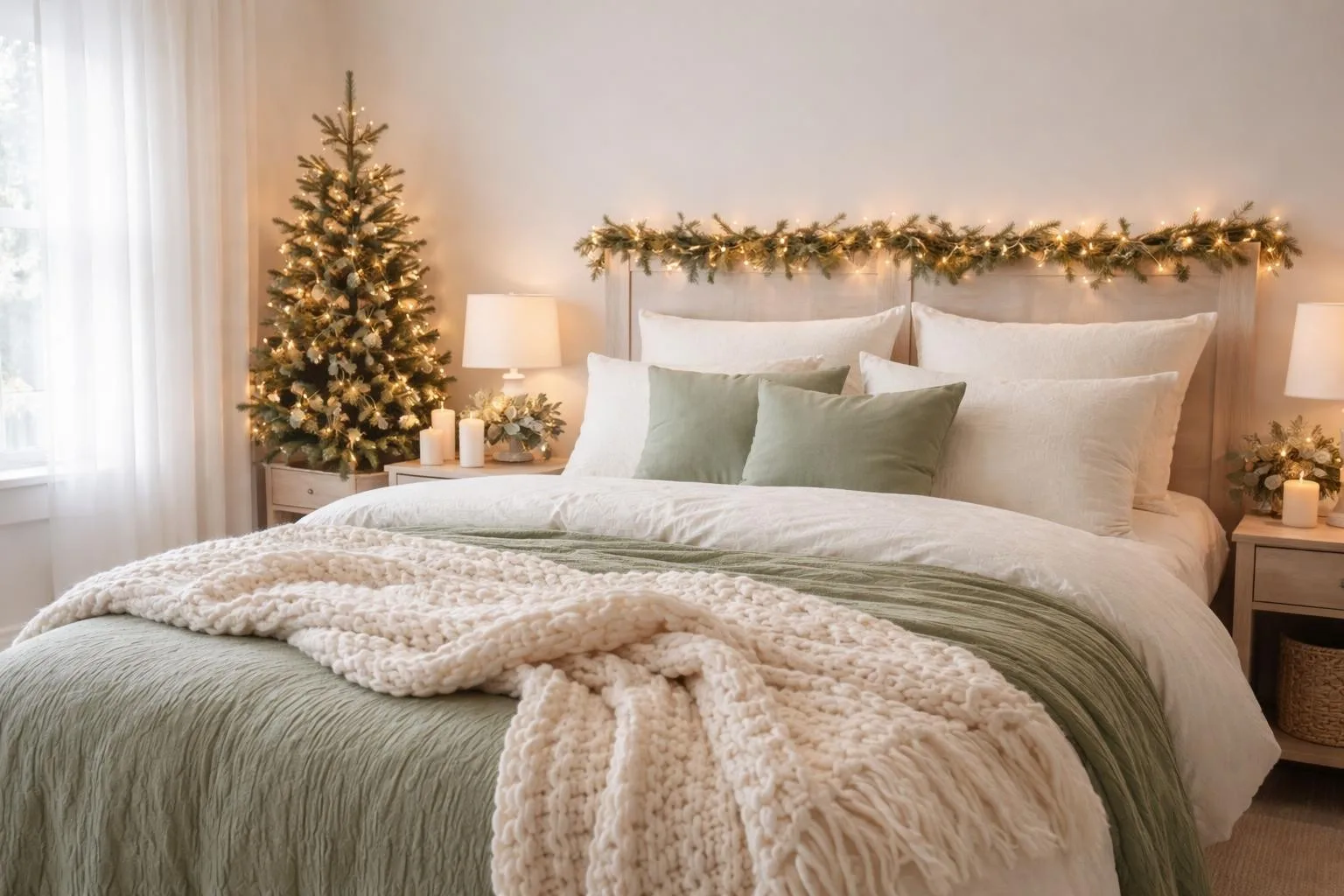
Plug string lights or a small tree into a smart plug and set them to turn on in the evening and off at bedtime. You don't need to crawl behind the tree to flip a switch.
6. Cut standby power on the TV area
Plug the TV, game console and sound system into a smart power strip or a plug, and switch them off when you are not using them. Check that the devices can lose power safely, and that the plug supports the total load.
7. Manage the phone charger
Use a plug on a charging station and set it to switch off after the night. This is an easy way to avoid leaving chargers on all day. Charge devices only as the manufacturer recommends.
8. Run a small humidifier or air purifier on a schedule
A schedule can run the device during the evening and turn it off overnight. Check the manual to make sure the device is designed to restart after it loses power.
9. Use a plug for a plant grow light
A grow light on a timer gives plants a steady number of hours of light. Set it to turn on in the morning and off in the evening. It is helpful for small plants on a shelf or window.
10. Create a "leaving home" routine
Group a few plugs in the app, such as the lamp and the fan, and set a single button to switch them all off when you leave. It saves time and gives you peace of mind.
11. Set up a "good night" routine
One tap can turn off the living room lamp, the TV area and the fan. Keep the routine short, and test it a few times so you trust it.
12. Add a plug to a hard-to-reach lamp
If a lamp's switch is behind furniture, a smart plug lets you control it from your phone or voice. It is also helpful for a floor lamp in a corner.
13. Use an outdoor-rated plug for a balcony
If you have a balcony, use a plug that is rated for outdoor use to control string lights or a small fountain. Check the rating and the instructions, and keep plugs out of the rain unless they are designed for it.
A simple setup plan
- Evening 1: Download the app, connect the plug to Wi-Fi and test it with a lamp.
- Evening 2: Name each plug and set one schedule, such as an evening lamp.
- Evening 3: Add a routine, such as good night, and connect your voice assistant if you use one.
What not to plug into a smart plug
Check the instructions before using a smart plug with any item that heats, has a motor that starts under load or can be a fire risk. Space heaters, irons, hair tools and large appliances may exceed the plug's rating, so avoid them unless the plug is clearly rated for the load. Never use a smart plug to bypass a safety feature on a device.
Safety tips
- Match the device's power to the plug's rating, and don't overload an outlet.
- Don't plug one smart plug into another.
- Keep plugs away from water, unless they are made for it.
- Use only devices that are safe to start and stop automatically.
- Check for heat, and unplug the plug if it feels hot.
Budget tips
Start with one or two plugs for the items you use most. Choose a type that works with the app or voice assistant you already have. Buy a multi-pack only when you know you will use all of them, and keep the receipt in case you need to return one.
Smart plug ideas by room
- Living room: lamps, string lights and a plant light.
- Bedroom: a bedside lamp, a fan and a phone charger.
- Kitchen: a coffee maker with a safe switch, and small lights.
- Entry: a lamp that turns on in the evening.
- Balcony: outdoor-rated string lights.
Common mistakes to avoid
- Ignoring the power rating. Always check it.
- Plugging in heating devices. Avoid them unless the plug is rated.
- Forgetting to name the plugs. Clear names make voice control work.
- Using weak Wi-Fi. Test the signal at the outlet first.
- Skipping updates. Keep the app and the plug firmware up to date.
Final thoughts
A smart plug is a small, low-cost way to make a rental feel smarter. Start with a lamp and a schedule, add a routine and grow slowly. Check the ratings, keep safety in mind and enjoy the extra comfort. When you move, unplug it, reset it and use it in your next home.
Smart plug FAQ
A small adapter that goes into a normal outlet and lets you control the device plugged into it from an app, a schedule or your voice.
Many connect directly over Wi-Fi, but some need a hub. Check the packaging before you buy.
Yes. They need no wiring or permanent changes, so they suit rentals.
Avoid heaters, irons and other high-power items unless the plug is clearly rated for them.
They are generally safe when used within their rating and with suitable devices. Follow the instructions and check for heat.
Most need Wi-Fi to be controlled from an app. Some keep the schedule if the connection drops, so check the product details.
Shop the look
Kasa Smart Light Bulbs (Dimmable, Color)
Dimmable Wi-Fi bulbs for lamps
Check price on AmazonBattery Fairy Lights, 33 ft Warm White
Warm twinkle lights with remote
Check price on Amazon