This post contains affiliate links. If you buy through them, we may earn a small commission at no extra cost to you. Learn more.
Smart lighting ideas are one of the easiest ways to make a home feel cozy. Light changes the mood of a room more than almost any other decor choice, and smart bulbs and plugs let you change it with a tap or a voice command. Warm, soft light in the evening and brighter light during the day makes a home feel better and easier to live in.
This guide gives you 13 ideas, a simple setup plan and a few tips on choosing bulbs. All of these ideas work in a rental, since they plug in or screw into the lamps you already have.
Lighting basics
- Warm white: a warm color (often around 2700K) feels cozy for evenings.
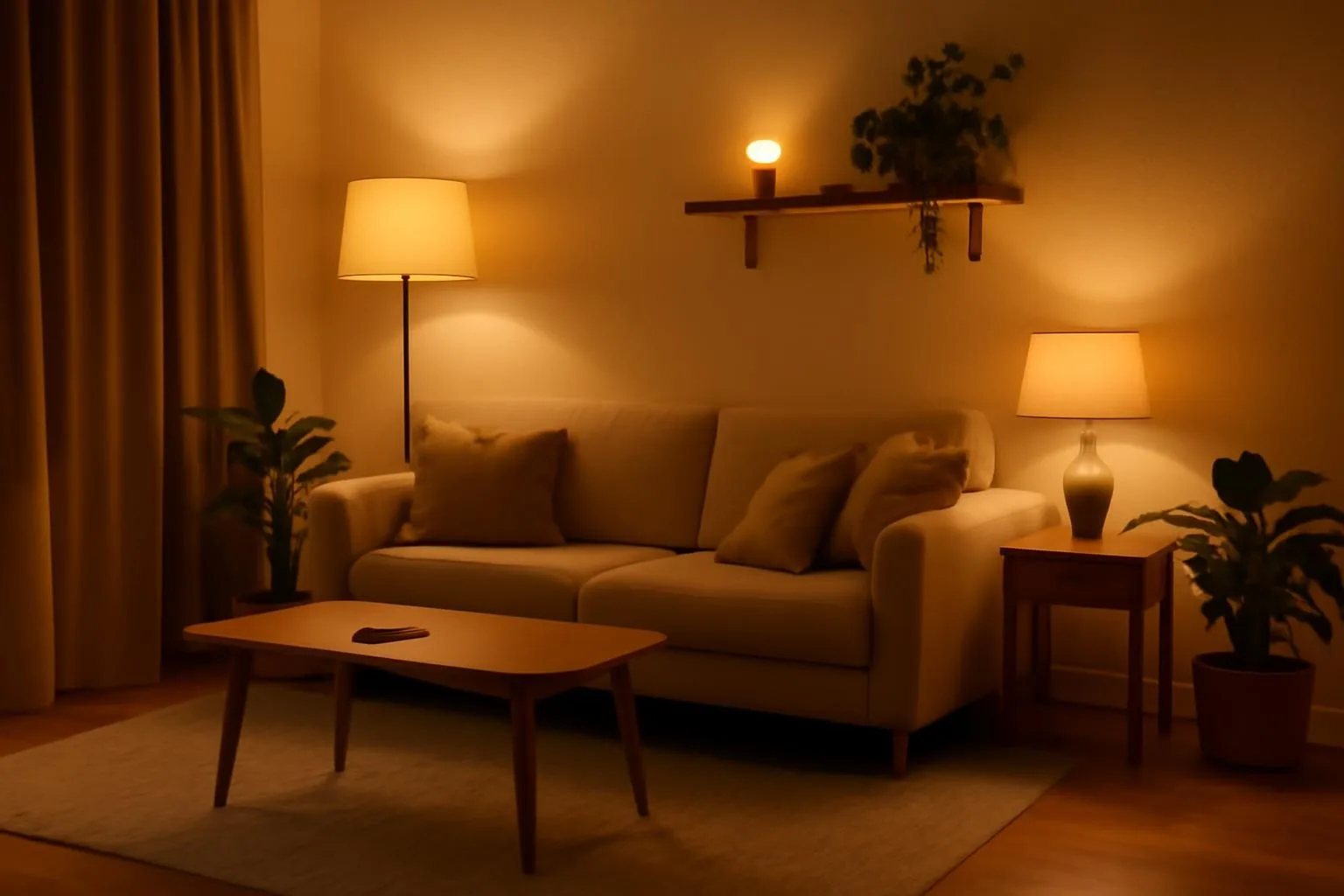
- Layers: use several light sources at different heights instead of one bright overhead light.
- Dimming: lower light in the evening helps a room feel calm.
- Control: an app, a voice assistant or a simple remote.
1. Start with warm smart bulbs
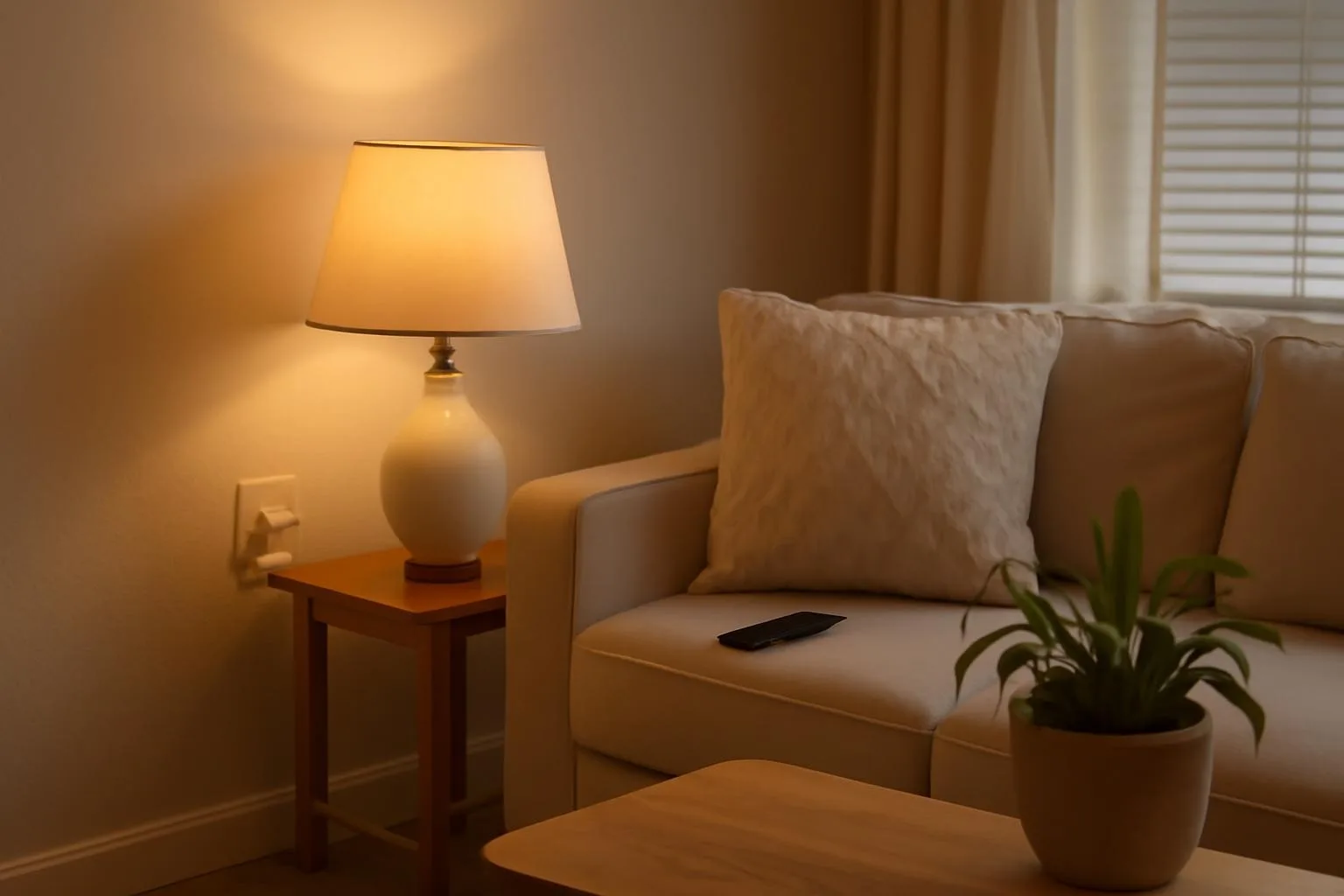
Replace the bulbs in your most-used lamps with smart bulbs. Choose a model that can do warm white, and that fits your lamp's size and socket. Check whether it uses Wi-Fi or needs a hub, and whether your lamp or shade has a bulb limit.
2. Use dimming for the evening
Lower the brightness after dinner. Dimmer light helps a room feel relaxed. Start by dimming to about half and see what feels right.
3. Set a warm evening scene
Create a scene, such as "evening," that sets your lamps to warm and dim with one tap. Add a "morning" scene that gradually brightens the room.
4. Use schedules
Schedule lights to turn on at sunset or at a set time, so you walk into a warm home. A schedule can also turn the lamp off at bedtime.
5. Use smart plugs for lamps with ordinary bulbs
A smart plug lets you switch any lamp on and off from the app or by voice, even with a regular bulb. It is a low-cost way to make a lamp smart without changing the bulb.
6. Add a smart strip or light bar behind the TV
A strip of soft light behind a TV or on a shelf reduces eye strain and adds a warm glow. Choose a plug-in type, and clean the surface before you attach it.
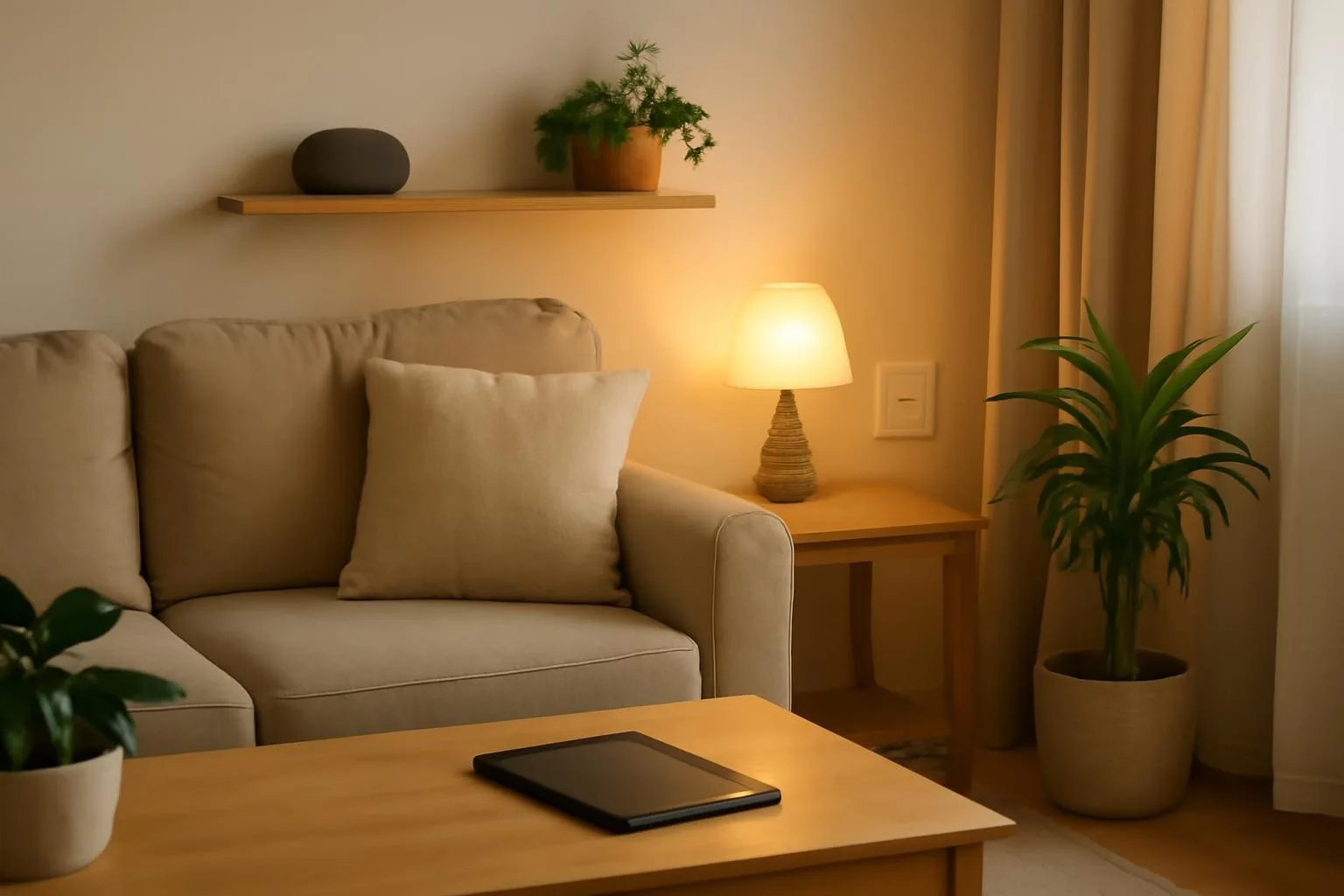
7. Add accent lights on shelves
Small LED lights on a bookcase or inside a cabinet make a room feel finished. Use a warm tone, and check that the lights are rated for the space.
8. Try motion-sensor lights for hallways and closets
A battery or plug-in light with a motion sensor makes night walks safer and means you don't have to hunt for a switch. They are easy to take with you.
9. Use a bedside lamp with a smart bulb
A smart bulb in a bedside lamp lets you dim it as you read, and switch it off from bed. Some can also help you wake up gently with a slow brightening.
10. Use voice control carefully
A smart speaker lets you say "turn off the living room lights." Review the privacy settings, and mute the microphone when you want to.
11. Group lights by room
Group the lamps in each room in the app, so you can control them together. Use clear names, such as "living room" and "bedroom."
12. Match the color temperature across the room
Use the same warm tone in all the bulbs in a room so the light looks even. Mixed colors can make a room look uneven.
13. Keep a manual option
Smart bulbs don't work if the switch is turned off, so leave the lamp switch on and use the app or a plug-in button. Keep a simple remote or button for guests who don't use the app.
A simple setup plan
- Evening 1: Choose an app, connect to Wi-Fi and install smart bulbs in one or two lamps.
- Evening 2: Create an "evening" scene and a schedule.
- Evening 3: Add a smart plug, a light strip or a motion-sensor light if you need them.
Budget tips
Start with two bulbs in the lamps you use most. Choose bulbs from the same family so they work together in one app. Smart plugs are an inexpensive way to control lamps with ordinary bulbs. Avoid buying a large kit until you know what you use.
Safety and compatibility tips
Check the bulb's wattage and size against your lamp. Use bulbs rated for enclosed fixtures only in suitable fixtures, and don't cover bulbs with fabric. Keep your apps and device software updated, and use a strong Wi-Fi password.
Smart lighting for each room
- Living room: two or three lamps with warm smart bulbs, an evening scene and a light strip behind the TV.
- Bedroom: a bedside lamp with dimming and a gentle morning brightening.
- Kitchen: brighter, cooler light for tasks and a softer scene for evenings.
- Entry and hallway: a motion-sensor light.
- Home office: a task light with a brighter, neutral tone for daytime.
Use bright, slightly cooler light when you need to focus and warm, dim light when you want to relax. Smart controls make switching between those scenes easy.
How to pick the right smart bulb
Check the base type and size of your lamp (for example, a standard screw base) so the bulb fits. Look at the brightness, which is measured in lumens, and choose one that matches the room. Check whether the bulb is dimmable and whether it offers warm white or a range of colors. Decide whether you want a bulb that uses Wi-Fi or one that needs a hub, and make sure it works with the app or voice assistant you already use. Finally, check that the lamp and shade are rated for the bulb's wattage and heat.
Quick smart lighting checklist
- Bulbs are warm white in living areas and bedrooms.
- Lamps are on a smart plug or have smart bulbs.
- There is an evening scene and a morning scene.
- Hallways or closets have a motion light.
- The app is updated and the Wi-Fi password is strong.
With these in place, your home will feel cozier the moment the sun goes down.
Common mistakes to avoid
- Cool-white bulbs in living areas. Use warm white for evenings.
- One bright overhead light. Layer several sources.
- Mixing different brands in many apps. Choose a family that works together.
- Turning off the wall switch. Smart bulbs need power.
- Overloading a plug or lamp. Check the ratings.
Final thoughts
Good lighting makes a home feel warm without changing a single piece of furniture. Start with a couple of warm smart bulbs, create one evening scene and see how it feels. You can add schedules, strips and sensors later.
Smart lighting FAQ
Warm smart bulbs, dimming, evening scenes, schedules and accent lights on shelves make a room feel cozy.
Some bulbs need a hub and some connect directly over Wi-Fi. Check the packaging and your router.
Yes. Smart bulbs, plugs and plug-in light strips need no wiring or permanent changes.
Warm white, often around 2700K, is a popular choice for evenings.
Yes, if the size, socket and wattage match. Check the lamp's limit before you install.
Two or three in your most-used lamps is plenty. Add more only when you see what you use.
Shop the look
Kasa Smart Light Bulbs (Dimmable, Color)
Dimmable Wi-Fi bulbs for lamps
Check price on AmazonBattery Fairy Lights, 33 ft Warm White
Warm twinkle lights with remote
Check price on AmazonFlameless LED Candles with Remote, 9 Pack
Battery candles in mixed heights
Check price on Amazon